

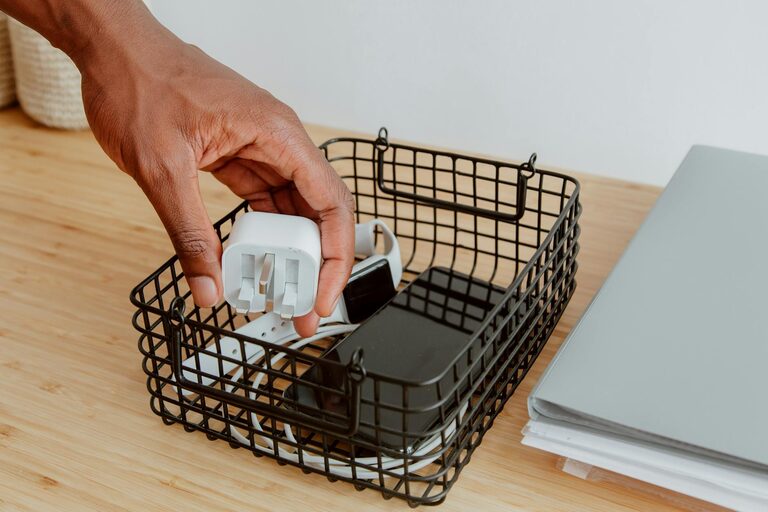
Creating an organized and clutter-free workspace at home can significantly enhance your productivity and reduce stress. Whether you’re working remotely full-time or just need a dedicated area for occasional tasks, having a neat and efficient workspace is essential. Here are simple, practical tips to help you design a workspace that promotes focus and comfort.
Why an Organized Workspace Matters
An organized workspace minimizes distractions and increases efficiency. When everything has a place, you spend less time searching for tools, documents, or supplies. Additionally, a tidy environment can boost your mood and help you stay motivated throughout the day.
—
Step 1: Choose the Right Spot
Start by selecting a dedicated area for your workspace. Consider these factors:
– Natural light: Choose a spot near a window if possible. Natural light improves mood and reduces eye strain.
– Minimal distractions: Pick a quiet corner away from heavy household traffic.
– Comfortable space: Ensure there is enough room for your desk, chair, and any equipment you need.
—
Step 2: Declutter and Simplify
Before setting up, clear everything off surfaces and sort through your supplies:
– Keep essentials only: Remove items that aren’t necessary for daily work.
– Use the 3-box method: Label boxes as “Keep,” “Discard,” and “Relocate” to organize items efficiently.
– Digitize paperwork: Scan documents you need to keep and store them digitally to reduce physical clutter.
—
Step 3: Invest in Functional Furniture
Select furniture that fits the space and supports your work habits:
– Comfortable chair: Choose an ergonomic chair that supports good posture.
– Adequate desk: Opt for a desk with enough surface area for your computer, accessories, and workspace.
– Storage solutions: Consider desks with built-in drawers or add storage units like shelves or filing cabinets.
—
Step 4: Use Smart Storage Solutions
Efficient storage is critical for keeping your workspace tidy:
– Drawer organizers: Use dividers to keep stationery sorted.
– Vertical storage: Install wall shelves to save desk space and keep items within reach.
– Containers and baskets: Use labeled containers to group similar items together.
– Cable management: Use clips or sleeves to organize cords and keep them off your desk.
—
Step 5: Establish Daily Habits
Maintaining an organized workspace requires ongoing effort:
– End-of-day tidy-up: Spend 5–10 minutes decluttering your desk at the end of each workday.
– File regularly: Put away papers and supplies after use.
– Limit personal items: Keep personal decorations to a minimum to avoid distractions.
– Review and refresh: Every week, reassess your setup and remove anything that no longer serves your work.
—
Step 6: Personalize Thoughtfully
Adding a few personal touches can make your workspace inviting without creating clutter:
– Plants: Small indoor plants can improve air quality and add freshness.
– Photos or artwork: Choose one or two pieces that inspire or motivate you.
– Lighting: A quality desk lamp helps reduce eye strain and brightens your area during darker hours.
—
Bonus Tips for Staying Productive
– Use a bulletin board or calendar: Keep important deadlines or notes visible without crowding your desk.
– Keep a whiteboard or notebook handy: Quickly jot down ideas or tasks.
– Create zones: If space allows, designate separate areas for computer work, reading, or brainstorming.
—
Final Thoughts
An organized and clutter-free workspace at home is achievable with simple adjustments and consistent habits. By thoughtfully choosing your space, investing in functional furniture, and implementing smart storage ideas, you set yourself up for success. Remember, small daily tidying routines can make a big difference in maintaining an efficient and pleasant workspace.
Start with these tips today and enjoy a more focused, comfortable, and productive work environment at home.